Create a new brand guidelines document
This guide will walk you through creating a new brand guidelines document using Livecycle.
1. Introduction
You will learn how to extract brand information from a website and generate a detailed brand guideline document. Additionally, you will explore the Livecycle Marketing Playground for branding purposes.
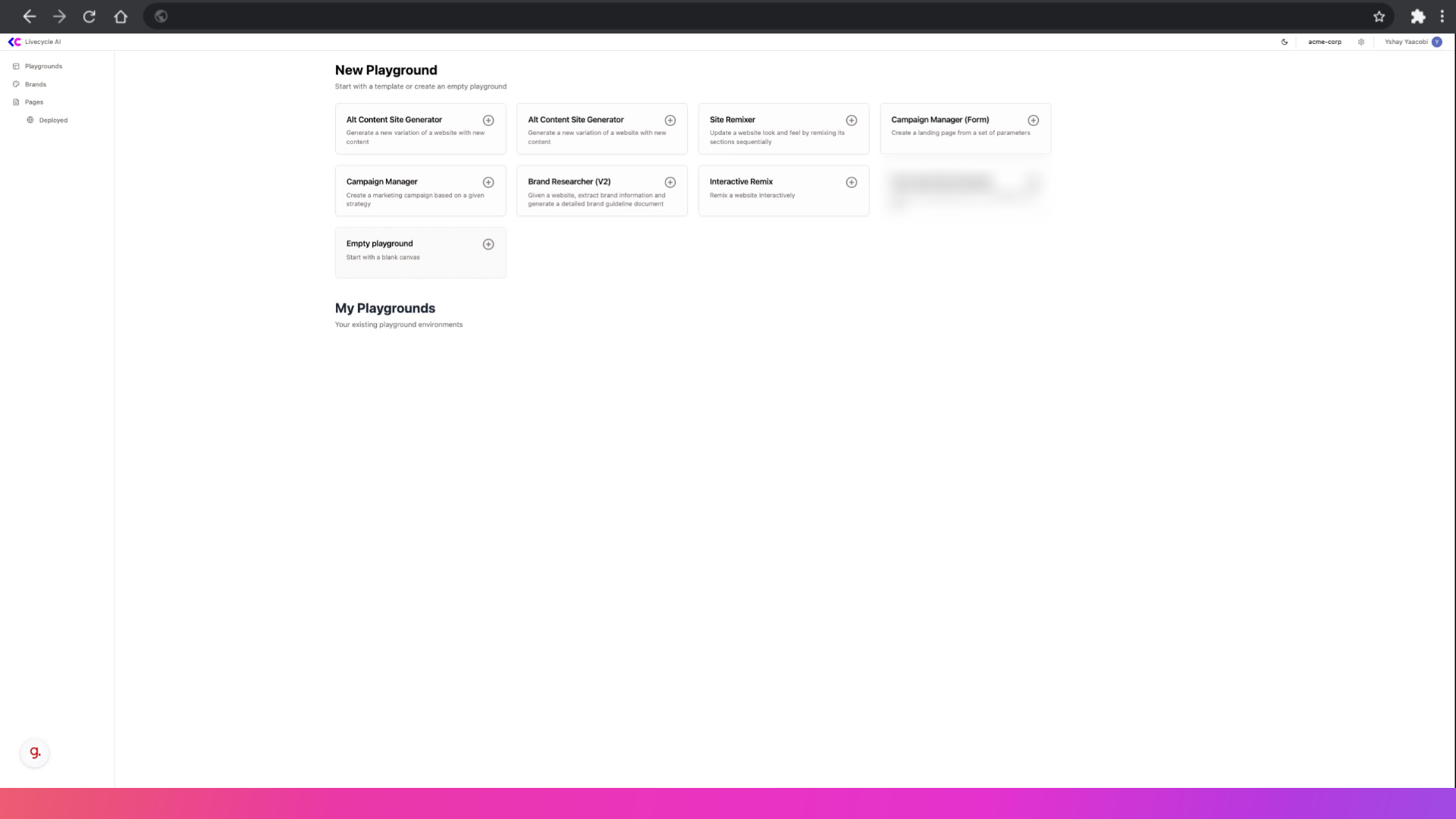
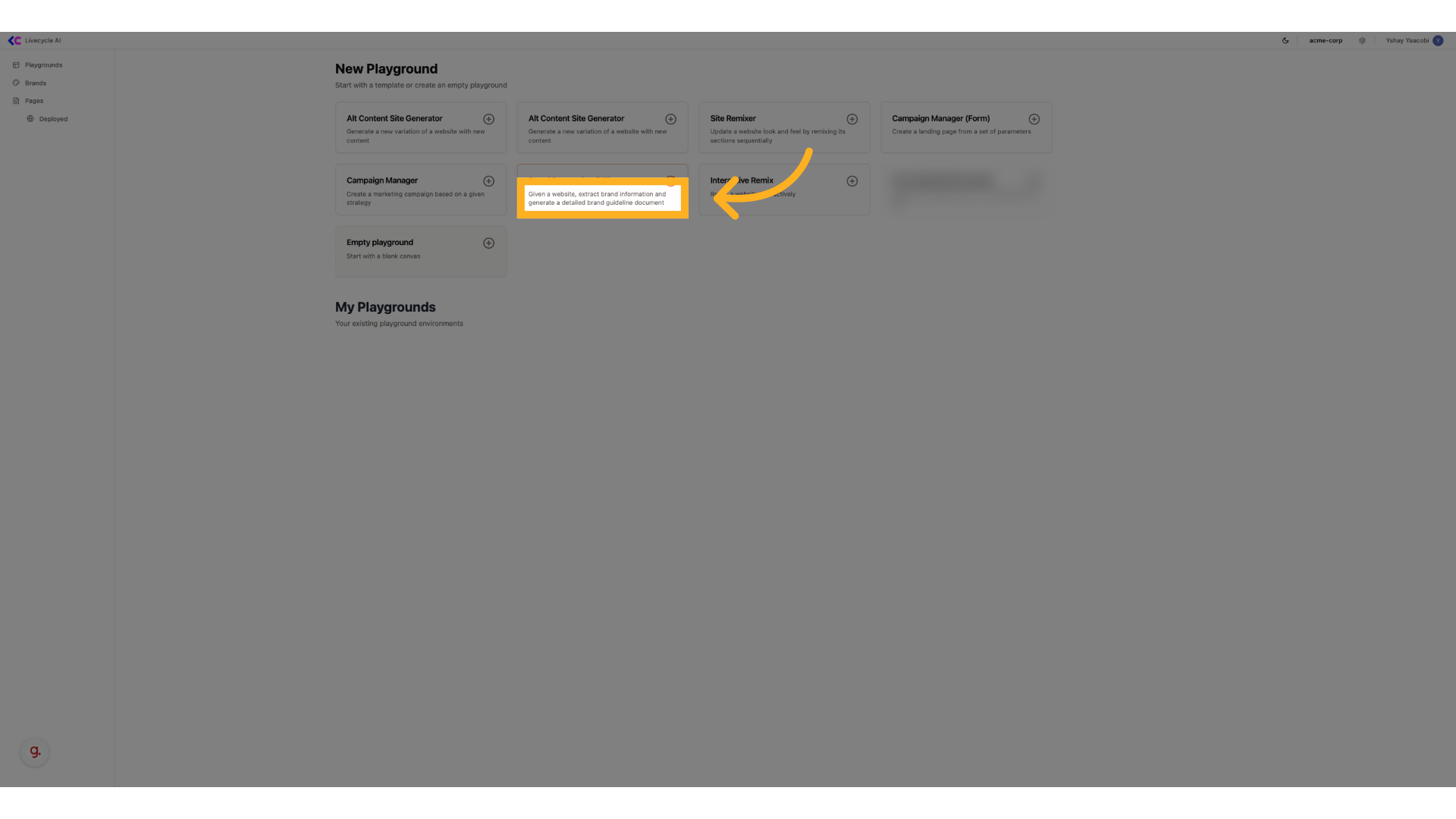
2. Select brand researcher
We are going to use the brand researcher to research and generate a new brand guidelines document
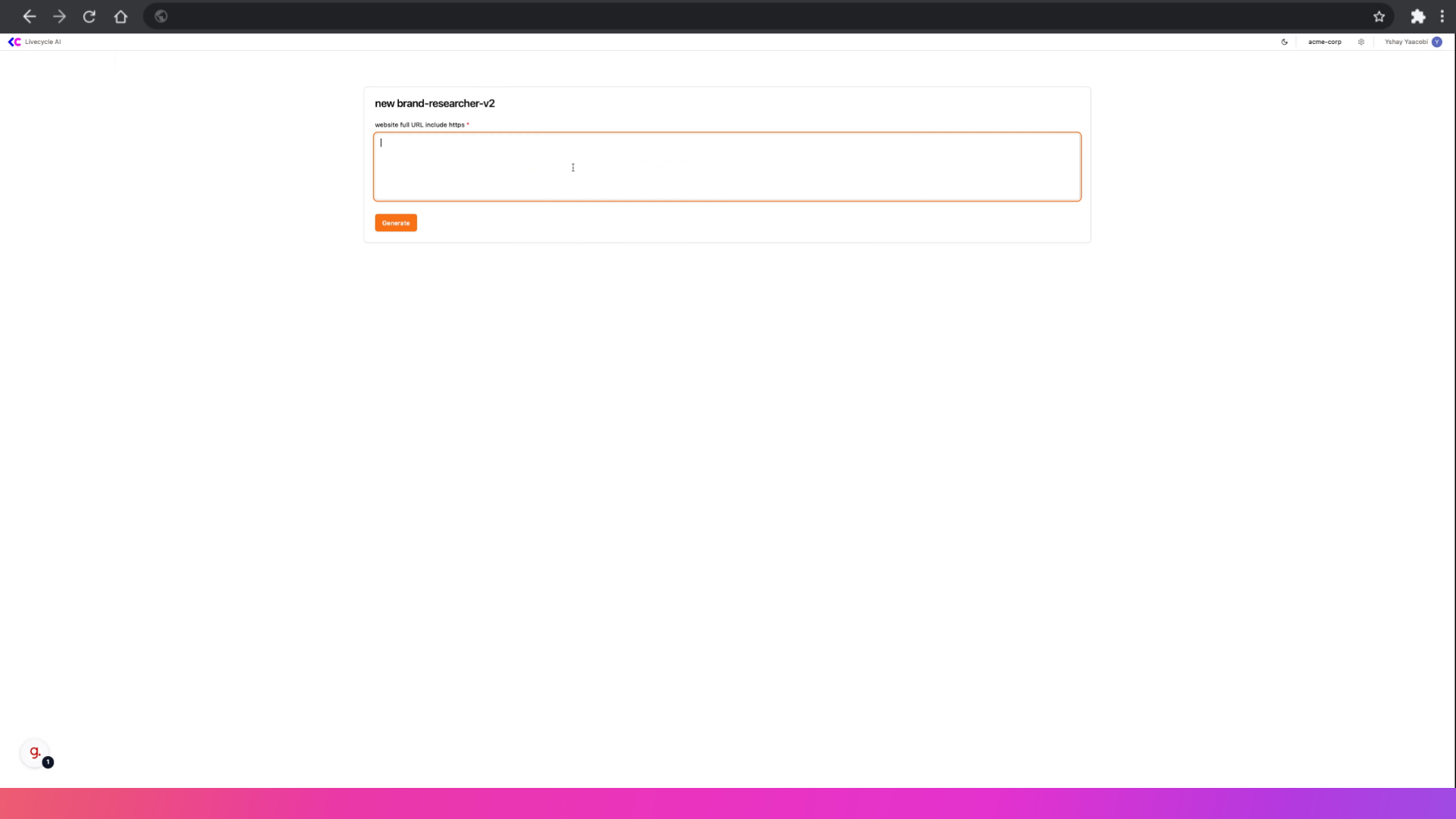
3. Fill in your website
We'll need to type the homepage for the brand we are researching, in this example, we'll use livecycle.io homepage
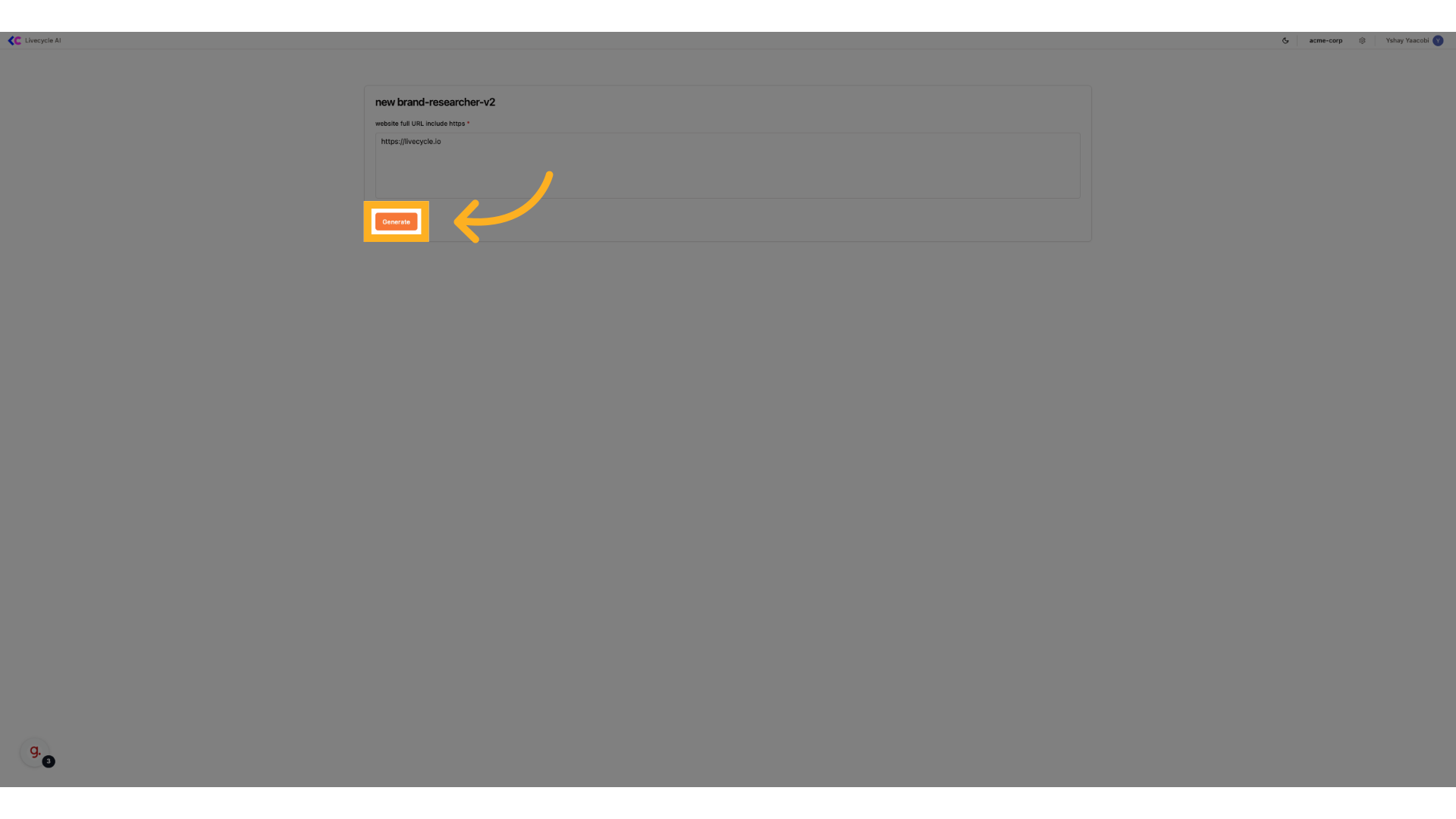
4. Confirm
We'll click generate to Initiate the generation process.
5. Generation started
We are redirected to the playground page where the magic happens, this will take a few minutes
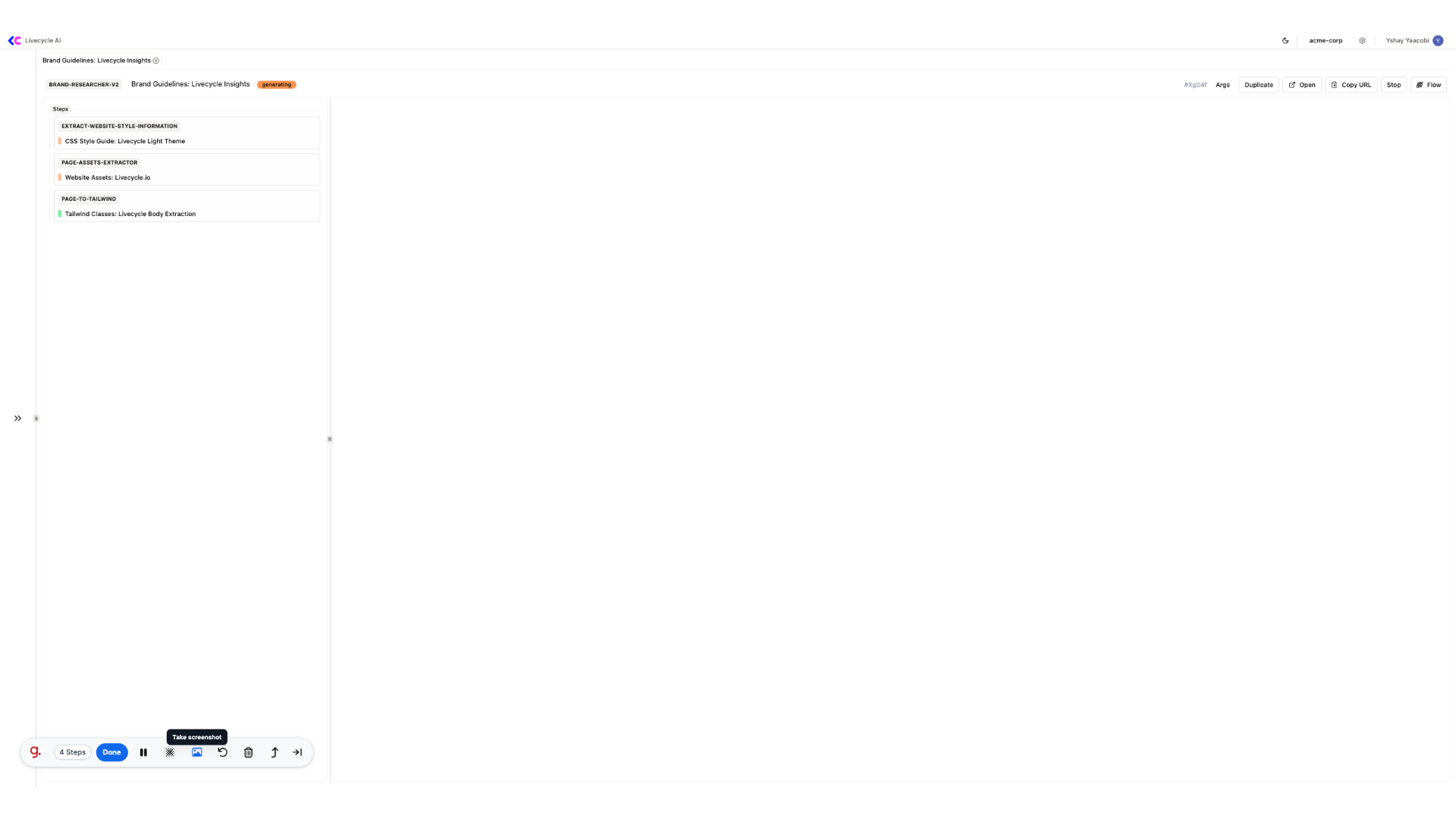
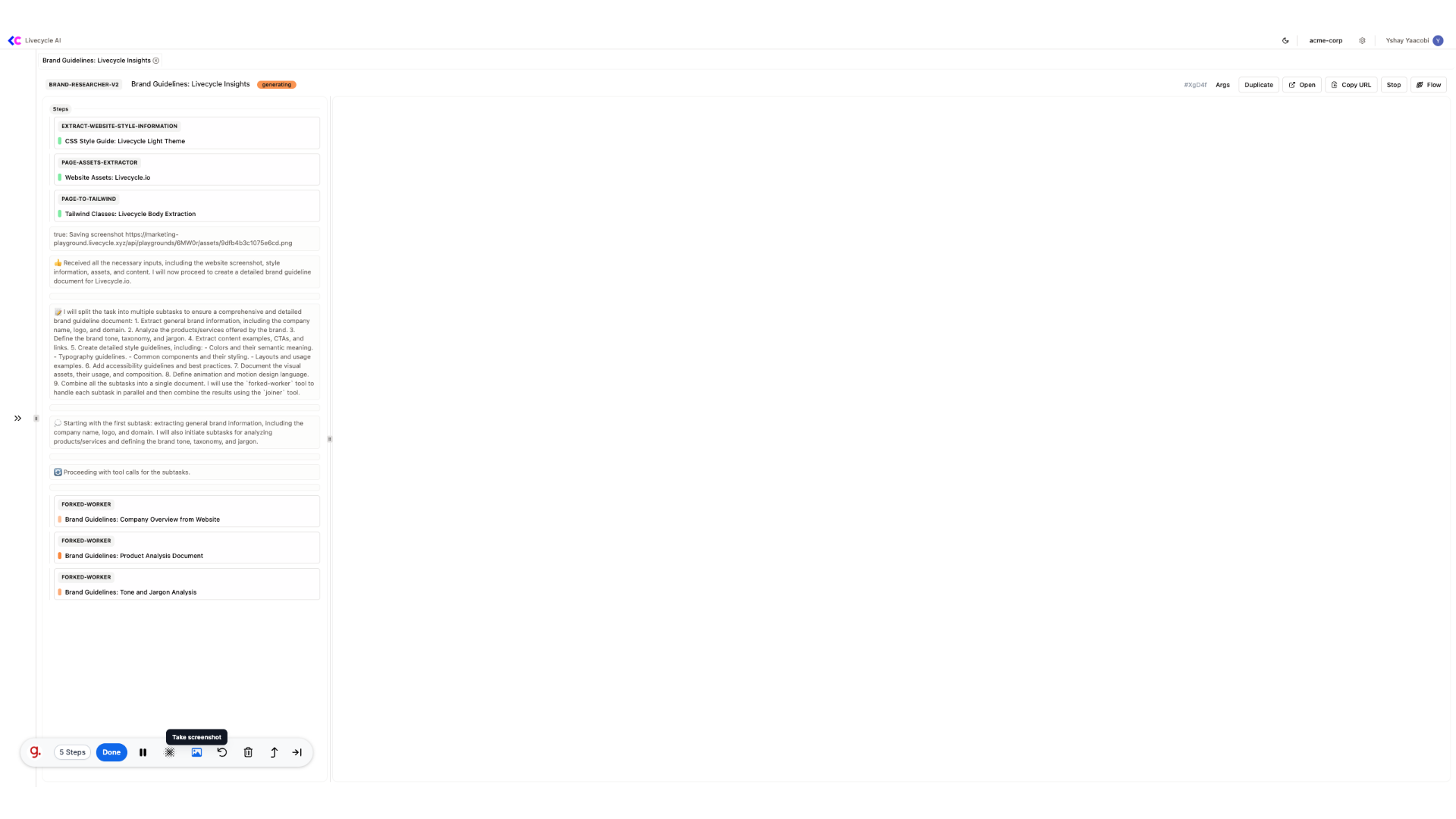
6. AI Agent process
In the left side, we'll see all the processes that are created by our Agent and we can deep dive into each one
7. Document Ready
Finally, we can see our new brand guidelines document which can be used by our agents to craft new branded landing pages.
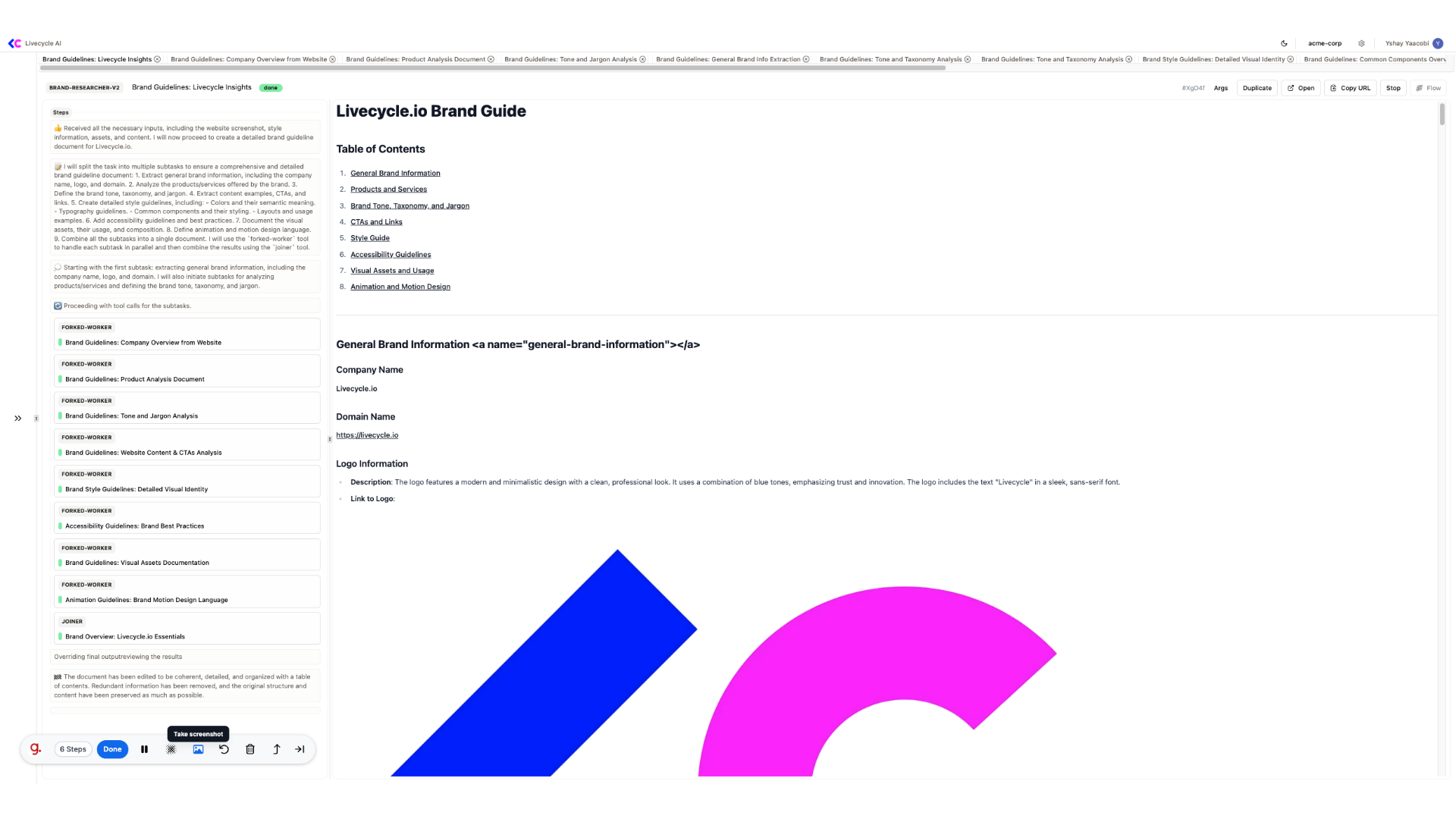
8. Brand guidelines structure
The brand guidelines is human-readable and can be further improved, it contains both visual (such as logo, colors, components, typography...) and non-visual information (brand tone, product and services, jargon...)

We success fully created a new brand guidelines document, the next would be to use it for generating new landing pages.
See also: Brand Researcher